
“Okay, so the fact that this was made in like under five minutes, that is crazy.”

@lurkingvisuals Verified creator
Verified creator
 your news
  videos in under two minutes using AI
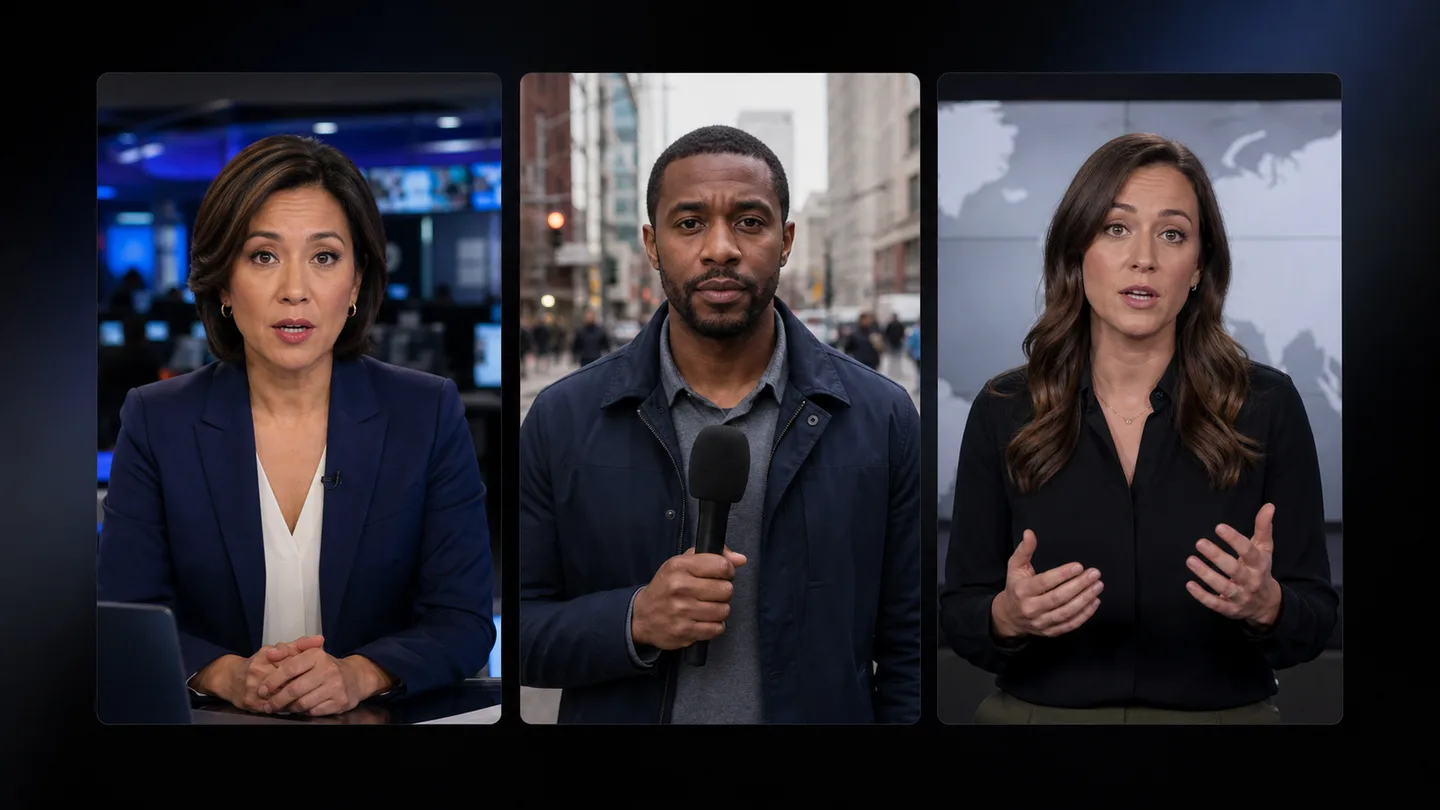
Edit anchor reads, interviews, field reports, and explainers before the story moves on.
Works with talking footage: interviews, podcasts, commentary, tutorials, and direct-to-camera videos.
 Premiere Pro
 Claude AI Media Outlets
Get spoken footage ready for review faster.
“Okay, so the fact that this was made in like under five minutes, that is crazy.”
Verified creator“cooked with this forreal. This plugin truly made my edits magic... Such a lifechanging plugin that I never knew I needed!”
 Verified creator
“Your plugins deadass helped me graduate media college. Your tutorial about color grading quite literally changed my whole game.”
 Verified creator
News moves fast. Stop wasting deadline time trimming pauses, repeated takes, and captions.
Cut pauses, repeated takes, and filler words while keeping editorial control.
Clean up time-sensitive spoken footage.
Tighten anchor reads and interviews.
Prepare captioned social versions faster.
Keep lower thirds, audio, and exports together.
Cut false starts and repeated lines.
Producers control every final cut.
 01
01Open AutoEdit with your talking footage already in the timeline. Nothing needs to leave Premiere Pro.
 02
02Use the plugin inside Premiere Pro to choose the edit you want and run it in one click.
 03
03Cut silences, filler words, bad takes, and repeated takes automatically, then keep full control of the final edit.
Claude understands the footage. AutoEdit gives it a library of editing templates for captions, B-roll, motion graphics, pacing, and repeatable Premiere Pro workflows. That combination goes far beyond a basic AI tool that only makes cuts.
Edit where your footage already lives. Keep your captions, music, templates, effects, and exports in one Premiere Pro project.
Download for PremiereNo. Your team controls accuracy, context, approvals, and the final cut.
Yes. Every cut stays editable inside Premiere Pro. Change the pacing, captions, graphics, music, and final export whenever you want.
AutoEdit works with footage where people are speaking. It is not designed to automatically edit silent montages, music videos, or gameplay with no commentary.